
Download Windows Live Messenger Widget – Free, Lightweight Chat Tool for Mac Dashboard
Overview
The Windows Live Messenger Widget is a minimalist, dashboard‑based client that brings a fragment of the classic Windows Live Messenger experience to macOS. Unlike full‑featured messengers such as Adium or the modern Microsoft Teams, this widget is intentionally stripped down: it focuses solely on text‑based chat, discarding audio calls, video, emoticons and webcam support. The design goal is to give users who need quick access to their Microsoft or Windows Live contacts a way to stay connected without installing a heavyweight application.
While the widget’s interface looks dated and the feature set is limited, it can still serve as a useful fallback for occasional messaging needs, especially when you are on a Mac that does not allow you to run the official Windows client. The widget also pretends to support other services like Yahoo! Mail and Gmail, but these integrations are largely non‑functional, leaving the primary value in its ability to sign in to a Windows Live (now Outlook.com) account and exchange plain‑text messages.
Key Features and Limitations
- Lightweight dashboard widget that runs on macOS Dashboard.
- Supports plain‑text instant messaging via Windows Live / Outlook.com accounts.
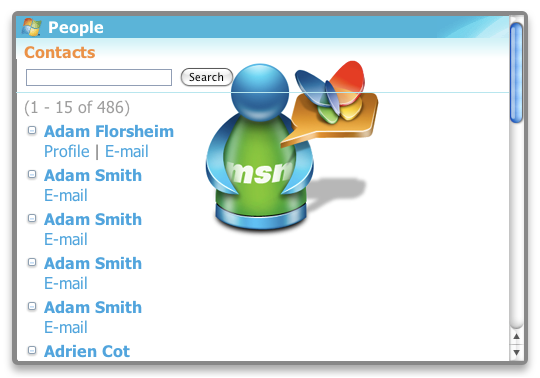
- Simple side‑menu navigation for contact list and status changes.
- Zero‑install footprint – runs directly from the Dashboard.
- Free to download and use.
While the feature list looks appealing for users seeking a no‑frills solution, the widget’s limitations are equally significant. First, there is **no audio, video, or webcam capability**, which means you cannot start voice calls or share your screen. Second, the interface is dated, lacking modern UI polish, and the contact list can be confusing; online/offline status indicators are not always clear, and the “Page not found” error occasionally pops up when the widget tries to fetch remote assets.
Third, the advertised support for Yahoo! and Gmail accounts is essentially a placeholder – attempts to sign in to those services either fail outright or result in generic error messages. Finally, because the widget is a legacy tool, it receives **no security updates**, which may pose a risk if you rely on it for sensitive conversations. Users who simply need a quick text chat window may find these drawbacks acceptable, but power users will likely look for more robust alternatives.
Installation, Usage Instructions, and Compatibility
Installing the Windows Live Messenger Widget is straightforward, but it requires a few specific steps due to its reliance on the macOS Dashboard, a feature that was deprecated in macOS Mojave (10.14) and removed entirely in later releases. Here’s a step‑by‑step guide for compatible systems (macOS 10.4‑10.13):
- Download the widget file (
.wdgt) from a reputable source. - Double‑click the file; macOS will automatically unpack it into the
~/Library/Widgetsfolder. - Open the Dashboard (press F12 or use Spotlight to search “Dashboard”).
- Locate the Windows Live Messenger Widget among the other installed widgets and click to launch it.
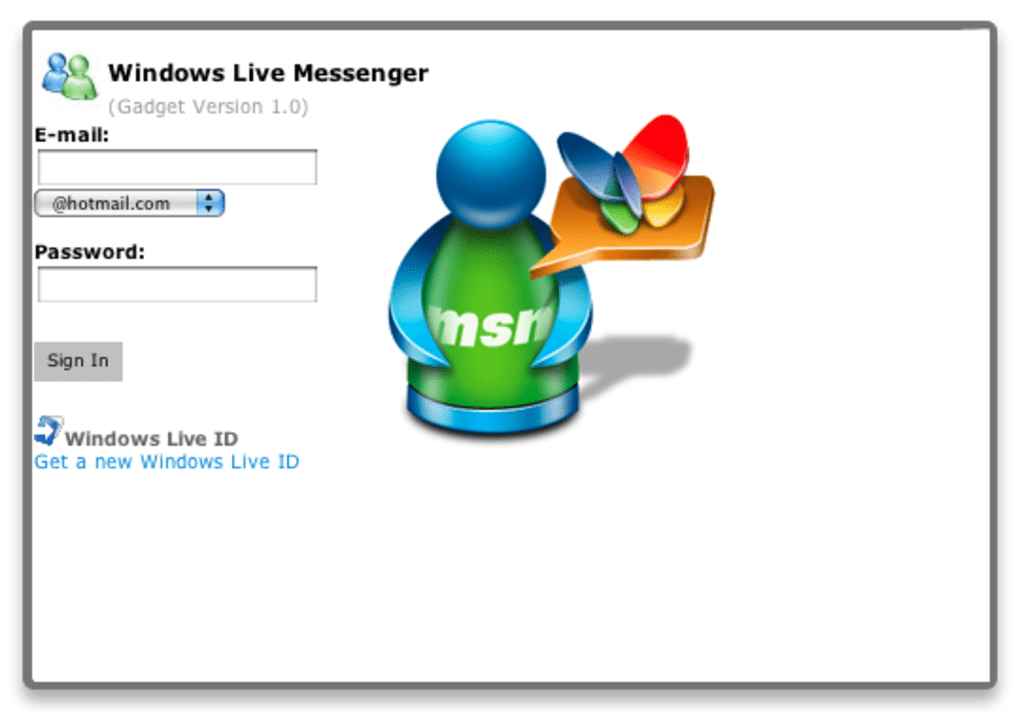
- Enter your Windows Live / Outlook.com credentials in the login pane. If you have two‑factor authentication enabled, you will need an app password.
- Use the side menu to add contacts, set your status (Online, Away, Invisible), and start chatting.
Because the widget relies on the old Dashboard technology, it is **incompatible with macOS Catalina (10.15) and newer**, where Dashboard is no longer available. Users on newer macOS versions must resort to alternative solutions such as the web‑based Outlook.com chat, third‑party messengers, or the modern Microsoft Teams desktop app. The widget is also **Windows‑only** in terms of its backend services; it does not run on iOS, Android, or Linux platforms. When configuring the widget, make sure your firewall allows outbound connections to messenger.live.com, otherwise the login process will stall. Finally, keep in mind that the widget does not auto‑update; you must manually download newer releases if they become available, which has been rare in recent years.
Supported Operating Systems: macOS 10.4 – 10.13 (Dashboard enabled)
Pros, Cons, and Frequently Asked Questions
Pros
- Extremely lightweight – consumes minimal CPU and memory.
- Free to download with no hidden fees.
- Runs directly from the Dashboard, leaving the desktop uncluttered.
- Simple sign‑in process for Windows Live / Outlook.com accounts.
- No installation of a full client, keeping the system clean.
Cons
- Only works on macOS versions that still support Dashboard (≤ 10.13).
- Lacks audio, video, emoticons, and webcam functionality.
- Interface appears outdated and can be confusing for new users.
- Fake support for Yahoo! and Gmail accounts leads to dead‑end sign‑ins.
- No automatic security updates; potential vulnerability risk.
FAQ
Is the Windows Live Messenger Widget still safe to use?
The widget has not received security patches for several years, so it may expose you to risks if you exchange sensitive information. Use it only for casual, low‑risk conversations.
Can I use the widget on macOS Catalina or later?
No. Dashboard was removed after macOS Mojave, so the widget cannot run on Catalina (10.15) or newer versions.
Does the widget support video calls?
No. It is a text‑only client; all audio, video, and screen‑sharing features are omitted.
Why does the widget show options for Yahoo! and Gmail?
Those options are remnants from an older version of the software. The current widget does not implement the authentication flow for those services, so attempts to sign in will fail.
Is there an automatic update mechanism?
No. Updates must be downloaded and installed manually, which is why the widget rarely receives new releases.
Conclusion & Call to Action
The Windows Live Messenger Widget occupies a niche corner of the macOS ecosystem: a free, ultra‑lightweight chat window that brings a sliver of the classic Messenger experience to older Mac systems. For users who still run macOS versions with Dashboard enabled and who only need basic text messaging with an Outlook.com account, the widget can be a handy fallback when full‑featured clients feel overkill. However, its dated UI, lack of modern communication features, and absence of security updates make it unsuitable for anyone who requires robust, secure, or multimedia‑rich messaging.
If you fit the narrow use‑case—occasionally needing to send a quick message without installing a full client—download the Windows Live Messenger Widget today and give it a try. For all other scenarios, consider modern alternatives such as Microsoft Teams, the Outlook.com web chat, or cross‑platform messengers like Adium or Signal, which provide richer features and ongoing security support.
Ready to get started? Click the download button below, follow the installation steps, and enjoy instant, lightweight chatting on your Mac Dashboard.







